A 3D studio for your AI assistant
Connect the assistant you already use to a hosted workspace with Blender and OpenSCAD. It builds the model, looks at its own work, fixes it, and hands you a printable file or a finished render. Nothing to install.
Create your account How to connect
Early access.
What it makes
Printable parts
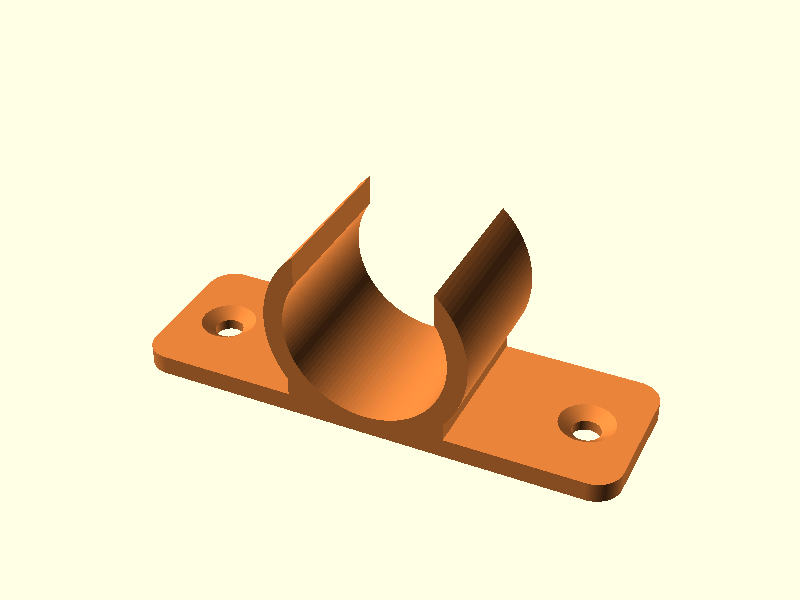
Brackets, enclosures, adapters, gears, threads and organiser bins, built from exact dimensions in millimetres. You get an .stl and a .3mf your slicer opens, with the measurements and volume checked before you print.
3D scenes and product pictures
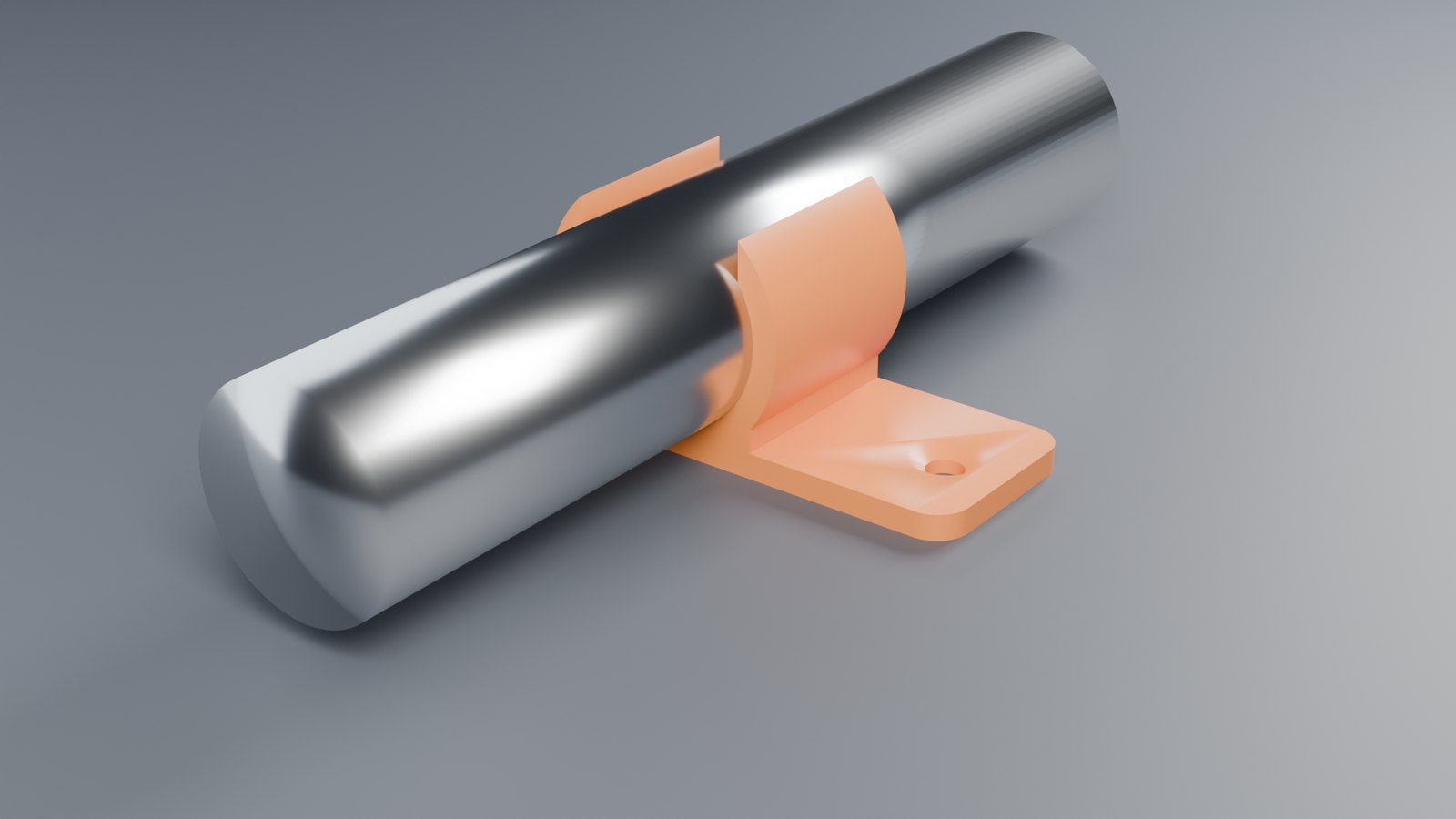
Your assistant builds and lights a scene in Blender, looks at it from every side, and renders the finished picture or a turntable video on our graphics cards.
Vector art
Logos, labels and stickers drawn as SVG and delivered as print-ready PDF and transparent PNG.
How to connect
- Create an accountOr sign in if you have one. Create an account · Sign in
- Add the studio to your assistantIn your assistant's connector settings, add a custom connector with this address and choose sign-in (OAuth):
https://pilot.legit2compute.com/mcp - Allow it from your accountYour assistant opens a sign-in page. Choose "Continue with your account" and allow the connection here.
- Ask for somethingFor example:
Open the 3D studio and make me a wall bracket for a 25 mm pipe, two M4 screw holes, 3 mm thick. Show it from every side, then give me the .3mf.
What it costs
Studio time, parts, draft pictures, vector art and exports are not charged. The first 5 finished renders on an account are free. After that a render is paid from your credit balance when it starts, and refunded if it fails.
| Finished render | Draft | Good | Best |
|---|---|---|---|
| Still, up to 1080p | $0.01 | $0.03 | $0.06 |
| Still, 4K | $0.04 | $0.12 | $0.24 |
| Video, per frame at 720p | $0.005 | $0.01 | $0.02 |
| Video, per frame at 1080p | $0.011 | $0.023 | $0.045 |
A 3-second draft turntable at 24 frames a second is 72 frames: $0.36. Add credits on your account page.
See it used
Describe a part, print the file
Brackets, enclosures, adapters and threads from plain words and millimetres.
OpenSCAD for your assistant
A current OpenSCAD with the part libraries installed, measured results, files for your slicer.
Blender for your assistant, hosted
Scenes, product pictures and turntables rendered on graphics cards, with nothing to install.
Questions
Which assistants work?
Any assistant that can add a remote connector (the MCP standard) with sign-in. ChatGPT, Claude and Codex support that standard. You paste one address and approve the connection from your account here.
Do I need to install anything?
No. Blender, OpenSCAD, Inkscape and the common part libraries (threads, screws and hardware, rounded shapes, Gridfinity) are already in the studio. It runs on our side; your computer only talks to your assistant.
What happens to my files?
Everything your assistant makes lands in the studio's Downloads, and it hands the files to you in the chat. A studio closes after 15 minutes unused. A save point keeps your scene and files for 7 days so you can pick the work up again.
Can the studio reach the internet?
No. A studio has no network connection at all. It can only work on what your assistant writes or uploads into it.
How do I change a part after it is made?
Ask. The part is kept under its name, so "make it 10 mm wider" rebuilds it with the new value in a few seconds.
How do I disconnect?
On this page, signed in, under "Your connections". Ending a connection stops that assistant at once.
What does it cost?
Studio time, parts, draft pictures, vector art and exports are not charged. The first 5 finished renders on an account are free. After that a render is paid from your credit balance when it starts, and refunded if it fails. A still up to 1080p is $0.01 at draft quality, $0.03 at good and $0.06 at best; a 4K still is four times that. Video is $0.005, $0.01 or $0.02 per frame at 720p, and 2.25 times that at 1080p.